
YouTube Playables are revolutionizing interactive entertainment. By 2026, YouTube Playables are lightweight, browser-based games designed to run instantly without downloads. They rely on HTML5 and WebGL compatibility, meaning engines that export to these formats are the most suitable. Popular engines like Unity, Phaser, and Construct 3 already support web exports, making them prime candidates for Playables. The key requirement is efficient performance in a browser environment, with minimal load times and optimized assets.
What YouTube Playables Are
YouTube Playables are mini‑games embedded directly into YouTube. They rely on HTML5 and WebGL to run seamlessly across devices.
Why Choosing the Right Game Engine Matters
The engine determines how fast your game loads, how well it runs on mobile, and how easy it is to develop. A poor choice can lead to slow performance and frustrated users.
What This Article Will Cover
We’ll explore the best engines for Playables, compare Unity, Phaser, and Construct 3, and provide real examples and tips for choosing the right tool.
What Game Engines Work With YouTube Playables
Basic Requirements for YouTube Playables
- HTML5 export support
- WebGL rendering
- Lightweight builds for fast loading
Why HTML5 Export Support Matters
HTML5 ensures games run directly in browsers without plugins.
Browser Performance and Fast Loading
Engines must optimize assets and reduce file sizes for instant play.
Mobile Compatibility Requirements
Games should adapt to different screen sizes and run smoothly on low‑end devices.
Best HTML5 Engines for Browser Games
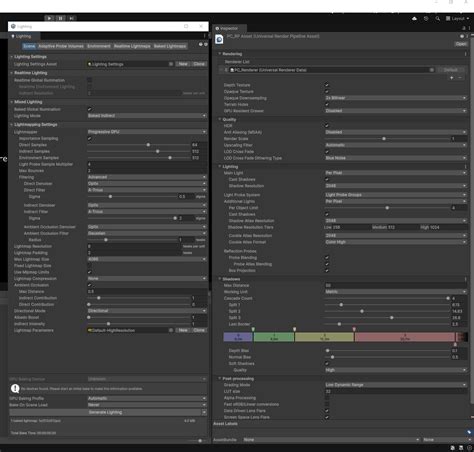
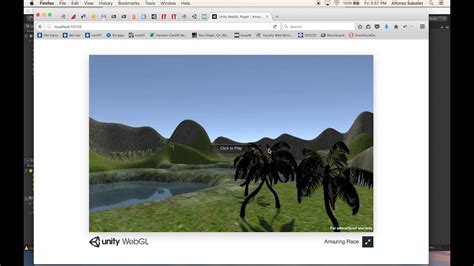
Unity
Official site: unity.com
Key Features of Unity
- 2D and 3D support
- Large asset store
- WebGL export
Pros and Cons of Unity
- Pros: Advanced visuals, physics, huge community
- Cons: Larger file sizes, longer load times
Best Types of Games for Unity
Immersive 3D Playables, advanced physics‑based games.
Phaser Official site: phaser.io
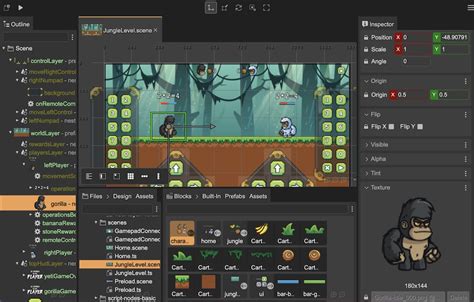
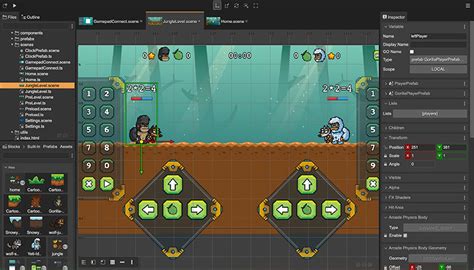
What Is Phaser?
An open‑source HTML5 framework for 2D games.
Advantages of Phaser
- Lightweight and fast
- Free and open‑source
- Strong JavaScript community
Why Phaser Is Great for Lightweight HTML5 Games
Perfect for arcade‑style Playables that need instant loading.
Construct 3
Official site: construct.net
Main Features of Construct 3
- Drag‑and‑drop interface
- Instant HTML5 export
- Cloud‑based editor
No‑Code Game Development
No coding required, making it accessible to beginners.
Why Construct 3 Is Beginner Friendly
Ideal for puzzles, quizzes, and simple 2D Playables.
Unity vs Phaser vs Construct 3
| Comparison | Unity | Phaser | Construct 3 |
|---|---|---|---|
| Performance | Heavy builds | Lightweight | Moderate |
| Learning Curve | Steep | Requires coding | Easy |
| Export Size | Larger | Small | Medium |
| Mobile Optimization | Needs tuning | Fast | Good |
| Best for Small Games |  |  | |
| Best for Advanced Games | | | |
Phaser for HTML5 Games
Fast Loading Browser Games
Phaser’s lightweight builds make it ideal for instant Playables.
Best Features for 2D Game Development
- Sprite handling
- Physics engines
- Animation support
Phaser Use Cases for YouTube Playables
Arcade shooters, endless runners, puzzle games.
Popular Games Built With Phaser
Many indie browser games and educational apps use Phaser.
Construct 3 for Beginners
Drag‑and‑Drop Game Development
Visual editor makes game creation simple.
Do You Need Coding Skills?
No coding required.
Beginner‑Friendly Features
- Templates
- Built‑in behaviors
- Easy asset management
Construct 3 Export Process
One‑click HTML5 export optimized for browsers.
Real Examples of Successful Playables
Simple Puzzle Games
Construct 3 Playables like match‑three puzzles gained millions of plays.
Endless Runner Games
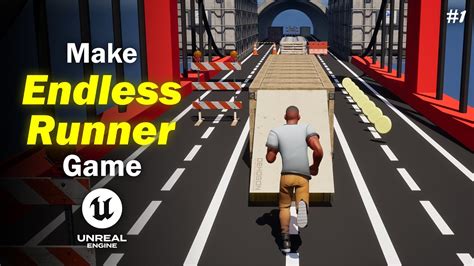
Phaser endless runners became viral due to fast loading.
Hyper Casual Games
Unity hyper casual Playables attracted large audiences.
Browser‑Based Mini Games
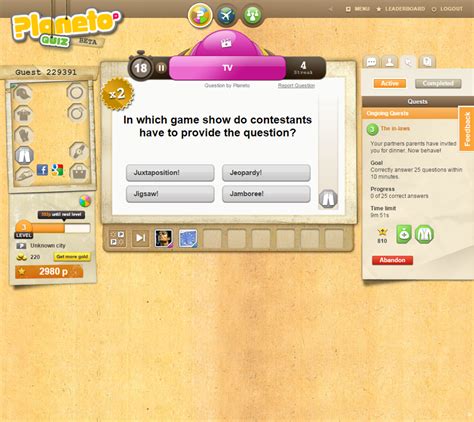
Trivia and quiz Playables built with Construct 3 boosted creator engagement.
Tips for Choosing the Right Engine
Choose Based on Your Budget
Phaser is free, Construct 3 requires a license, Unity offers free and pro tiers.
Choose Based on Your Skill Level
- Beginners → Construct 3
- Intermediate coders → Phaser
- Advanced developers → Unity
2D vs 3D Game Development
Unity is best for 3D, Phaser and Construct 3 excel in 2D.
Community Support and Long‑Term Updates
Unity and Phaser have strong communities; Construct 3 is growing steadily.
Final Verdict
Best Overall Engine
Unity for versatility and advanced features.
Best Engine for Beginners
Construct 3 for no‑code development.
Best Engine for Fast HTML5 Games
Phaser for lightweight builds and instant loading.
The Future of YouTube Playables Development
Expect more engines to add direct Playables export options, making development even easier.
FAQ Section
Which engine is best for YouTube Playables?
Unity for advanced games, Phaser for lightweight 2D, Construct 3 for beginners.
Can Unity export HTML5 games?
Yes, via WebGL export.
Is Phaser good for browser games?
Yes, it’s optimized for fast HTML5 performance.
Is Construct 3 beginner friendly?
Absolutely, it’s designed for no‑code development.
Which engine creates the smallest game size?
Phaser typically produces the smallest builds.
Are YouTube Playables only for HTML5 games?
Yes, Playables rely on HTML5 and WebGL for browser compatibility.
3 thoughts on “Best Game Engines for YouTube Playables (Unity vs Phaser vs Construct 3)”