
Before submitting a game to YouTube Playables, confirm that YouTube is accepting submissions and that your game meets the requirements shared through its official developer process. Public information may change, and YouTube may not offer an open application form at all times.
Submitting a game to YouTube Playables takes more than uploading a ZIP. Your build must meet technical, safety, and SDK requirements.
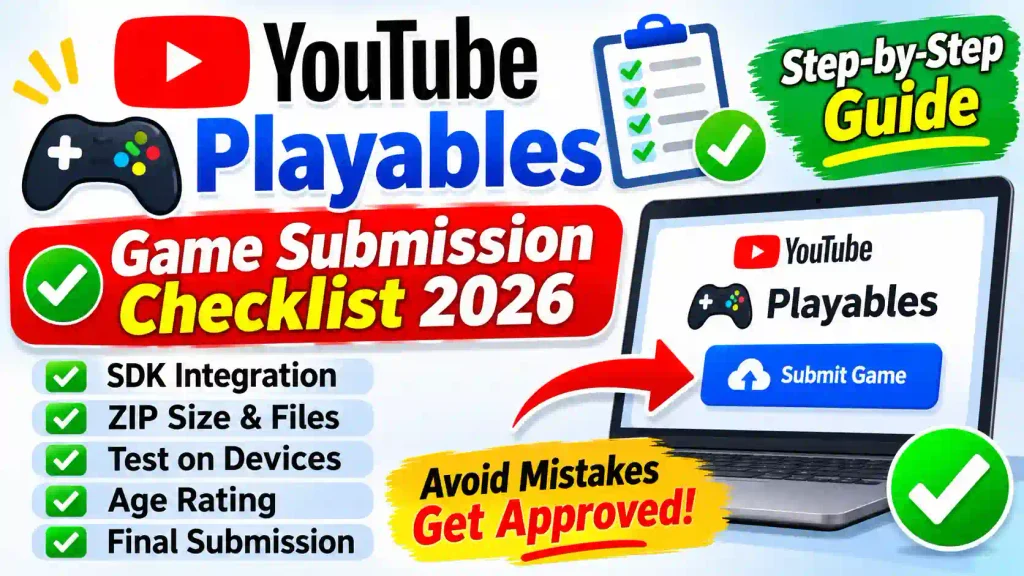
YouTube Playables Submission Checklist
Verify the Current Submission Process
Start by checking official YouTube channels for developer onboarding information. Do not assume that a third-party “submission form” is connected to YouTube.
Look for answers to these questions:
- Is YouTube currently accepting new games?
- Is access open, application-based, or by invitation?
- Which regions and developers are eligible?
- What technical documents are provided to accepted developers?
If public instructions are unavailable, prepare your game and contact YouTube through an official business or partner channel. Avoid paying anyone who guarantees placement.
Confirm Portal Access
Your channel must be onboarded. Sign in with its linked Google account and confirm channel manager permission. A manager can grant Editor or Manager access through YouTube Studio.
The interest form expresses interest; eligible developers use the Developer Portal guide to manage releases.
Prepare the Game ZIP
Create a clean production build with its HTML entry file and required assets. Remove debug files, backups, and unused libraries.
Check these limits and file rules:
- Upload a ZIP bundle and select the correct entry point.
- Initial bundle: below 30 MiB; below 15 MiB is recommended.
- Total bundle: below 250 MiB by default.
- Each individual file: below 30 MiB.
- Saved-game data: below 3 MiB.
- File count: maximum 8,000.
- Use relative paths, not absolute paths.
- File names may use letters, numbers, hyphens, underscores, and periods.
Keep the initial download small and lazy-load suitable assets. Google recommends interactivity in under five seconds. Read the official stability requirements.
Check SDK Integration
Load the SDK before game code. Call firstFrameReady() when a loading screen appears and gameReady() only when players can interact.
Also confirm:
- SDK pause and resume callbacks work.
- YouTube audio settings and device volume are respected.
- Muted playback produces no unexpected sound.
- Cloud-save functions preserve player progress.
- Saved data loads before new progress is written.
- Scores are accurate if your game sends them.
Read the SDK integration requirements and use the Playables Test Suite.
Build for Quick, Browser-Based Play
Your game should be easy to start and understand. A player browsing YouTube may leave if loading takes too long or instructions feel complicated.
Before submission, check that:
- The game starts reliably after loading.
- Core controls are clear without a long tutorial.
- Menus work with the intended input methods.
- Text remains readable on supported screen sizes.
- Sessions feel rewarding, even when they are short.
Do not treat these points as a substitute for YouTube’s technical specifications. Confirm the supported formats, devices, and integrations during onboarding.
Test Performance on Different Devices
A game that runs smoothly on a development computer may struggle on a phone. Test on a mix of devices and browsers relevant to your intended audience.
Pay attention to loading time, frame rate, audio behavior, memory use, and recovery after interruptions. Also test poor connections and screen rotation where applicable.
Record reproducible bugs with device details and steps. Fix crashes and blocked progression before approaching a platform partner.
Review Content and Ownership
You must have the rights to use everything in your game, including music, sound effects, characters, artwork, fonts, and code.
Check licenses for third-party assets and keep proof of permission. Review your game’s dialogue, advertising, and user-generated content, if any, against applicable YouTube rules.
Read the YouTube Community Guidelines and ask YouTube for any additional game-specific policies. General YouTube rules alone may not cover every submission requirement.
Review Google’s certification requirements and our Playables requirements guide.
Prepare Privacy and Safety Information
Be ready to explain what data your game collects, why it collects it, and which third-party services receive it. If your game does not collect data directly, document that too.
Consider:
- Analytics and crash-reporting tools
- Accounts or login systems
- Player-generated content
- External links
- Protections for younger users
YouTube’s requirements and applicable laws depend on the product and audience. Have a qualified professional review your privacy approach when needed.
Create a Clear Submission Package
Prepare materials that let a reviewer understand your game quickly:
- Game title and short description
- Developer or studio contact details
- Genre, target audience, and supported languages
- Gameplay video or accessible test build
- Screenshots and promotional artwork
- Basic control instructions
- Known issues and device test results
- Ownership and licensing information
If YouTube provides a specific submission template, follow that template instead.
Complete Game Details
In the Portal, create a release and enter an accurate title, description, genre, publisher, and developer information. Select the correct language, add translations if needed, and upload thumbnails in the required aspect ratios.
Check monetization settings and select only accessibility features your game supports. Keep screenshots and descriptions accurate.
Plan for Accessibility and Localization
Accessible design can make your game usable by more players. Use readable text, sufficient contrast, clear feedback, and controls that do not depend only on color or sound.
If you support multiple languages, check that text fits menus and that instructions remain understandable. Test translations in the game, not just in a spreadsheet.
For practical guidance, see the W3C Web Accessibility Initiative.
Age Rating and Review
Your game needs an International Age Rating Coalition (IARC) age rating before review. Complete the questionnaire or import an eligible existing rating if the game’s content and disclosures remain unchanged.
Check details and select Submit for review. You cannot edit during review unless you cancel it. If Google requests changes, fix them, test, and resubmit. Uploading does not guarantee approval.
Common Mistakes to Avoid
The biggest mistake is preparing for an imagined checklist instead of the current official requirements. Other avoidable problems include using unlicensed assets, hiding data collection, submitting an unstable build, and making menus difficult to use on small screens.
Keep your documentation honest. If a feature is unfinished, disclose it rather than describing it as complete.
FAQs
Is YouTube Playables open to every developer in 2026?
Do not assume open access. Check YouTube’s official developer or partner communications for the current onboarding process.
Can I submit any type of game?
Not necessarily. YouTube may apply technical, content, and commercial criteria. Confirm those requirements before submission.
Can anyone submit a YouTube Playables game?
No. Portal access is currently invitation-only for onboarded participants.
Is uploading a ZIP enough for approval?
No. The game must pass technical, content, safety, and other required reviews.
Where are the official instructions?
See Google’s YouTube Playables documentation for current instructions.